
How can I see my contact information, direct deposit information, etc?
1. Click on “Documents” on the top, click on the icon and you will see this screen:
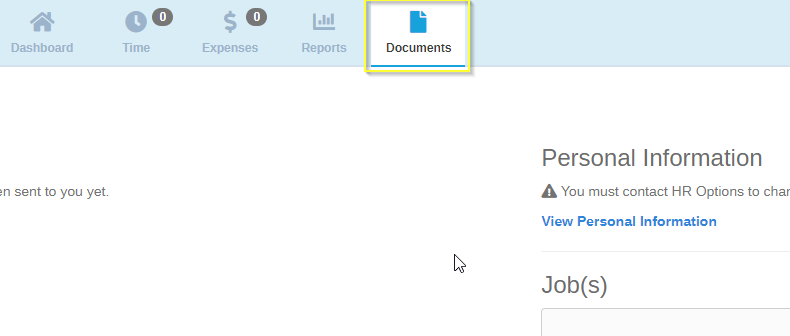
2. To see and review your contact information, direct deposit and other personal information, click on the “View Personal Information” and you will have access to view the following:

3. If any of the information is incorrect, please reach out to your project coordinator, send a message through your dashboard, or send an email to Service@HROptions.com
0 Comments