
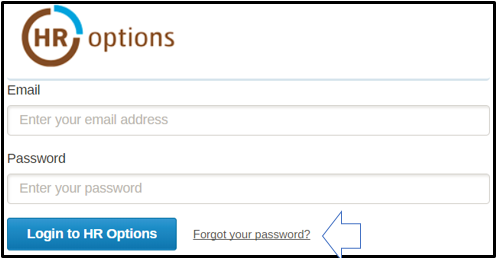
At the home page of HoneycombHR, you can reset your password by clicking the 'Forgot Password' button.
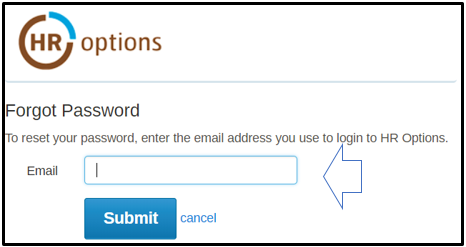
Enter your email address here and click Submit. An email with instructions will be sent to you.
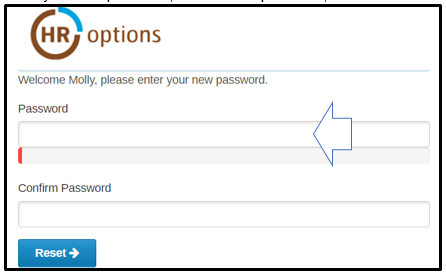
An email will be sent to you to reset or change your Password. Click on the  link. Enter your new password, confirm new password, and click Reset.
0 Comments