
You can find your accrual balances in two separate places in HoneycombHR.
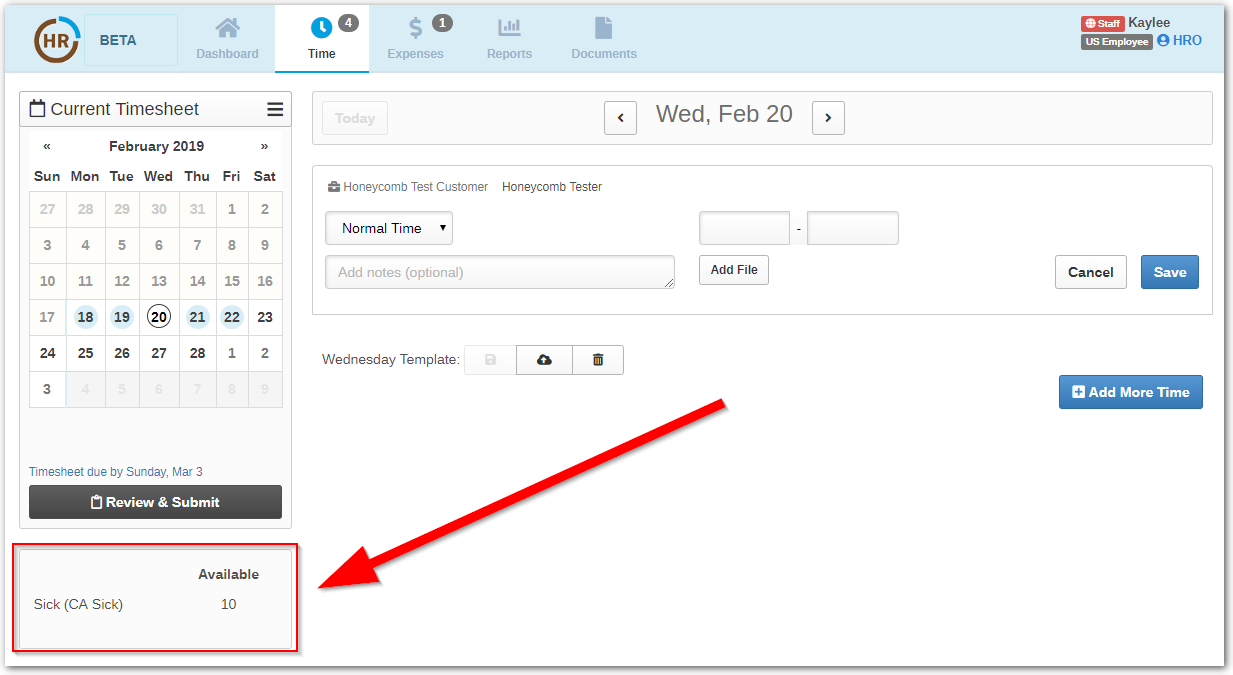
- In your timesheet. When you are in your timesheet logging time, you can see the available hours for your use listed in the box below the calendar:
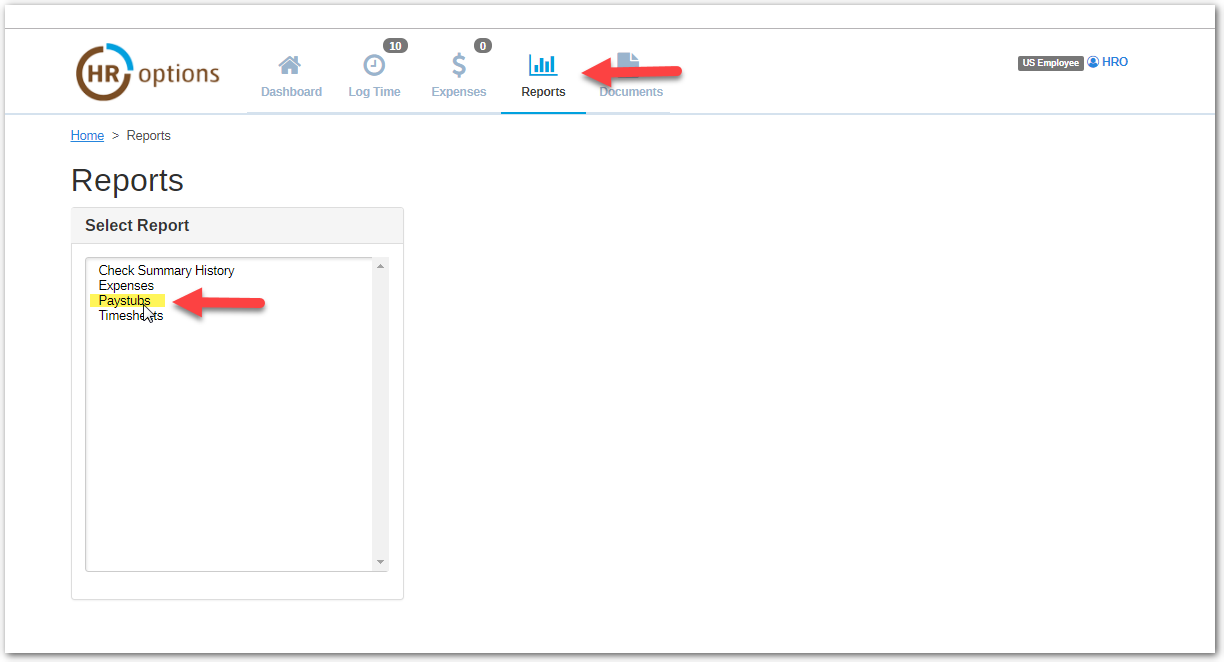
- In your pay stub. Under the "Reports" tab, click the "Pay Stub" option. You can view each pay stub by clicking the hyperlink of the date you would like to view. You can see your Year to Date accrual amounts under the "PTO Accrued" section of the document:
0 Comments