
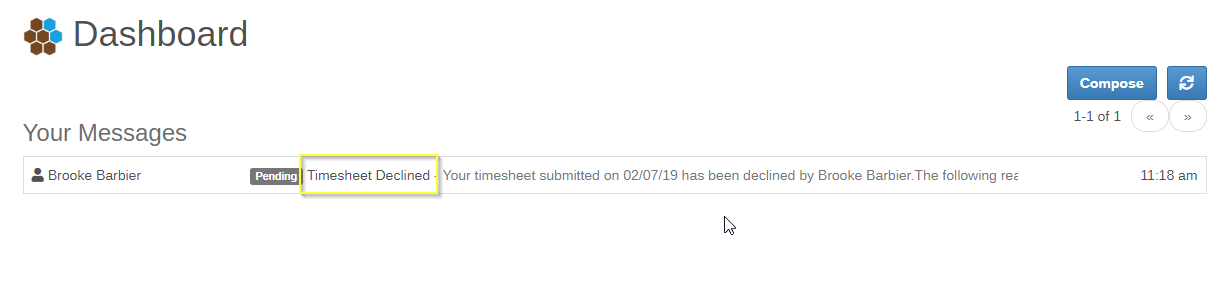
When your submitted timesheet is declined, you will receive a message on your Dashboard “Timesheet Declined”. Open the message to learn what needs to be corrected before re-submitting.
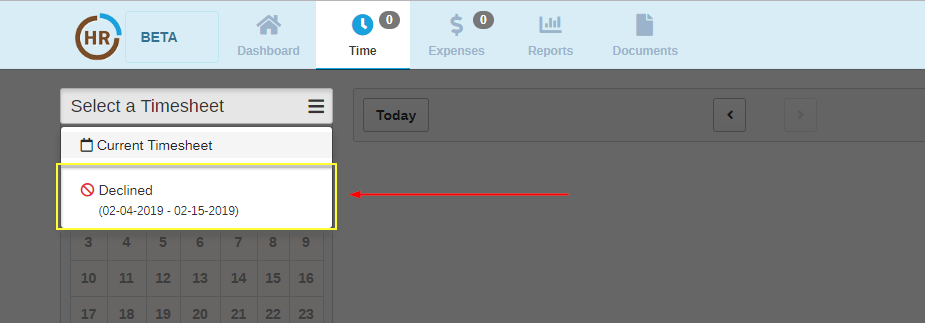
To make corrections and resubmit, go to the Time icon on top and select “Declined” from the “Select a Timesheet” drop down menu.
Once you have selected the timesheet in need of correction, go back to the dates highlighted in LIGHT BLUE and make any necessary updates.
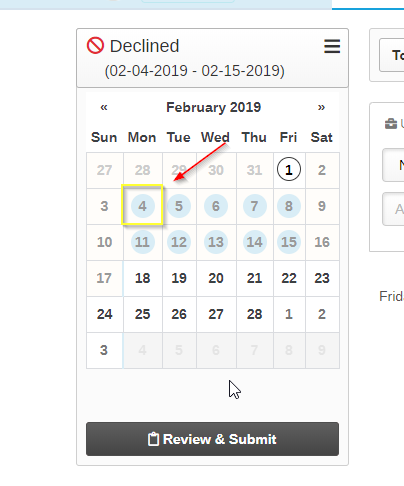
Once the updates have been made, click  button to re-submit your timesheet.
0 Comments