
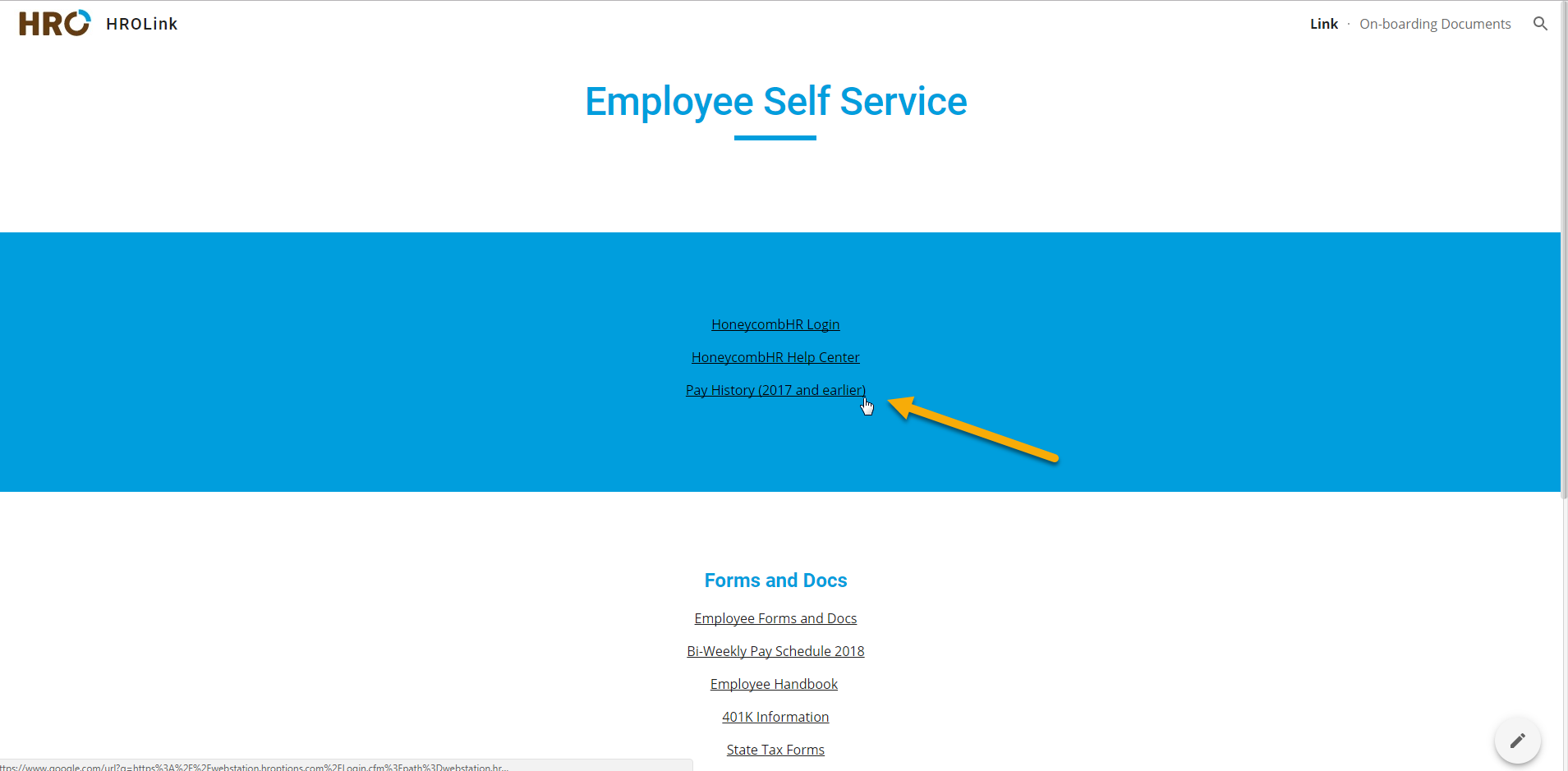
You can find links to all of our Employee Self-Service resources at our website, HROLink.
When you enter the site you will see the option to click on 'Pay History (2017 and earlier)', choose that option to be brought to the old timesheet portal, Webstation.
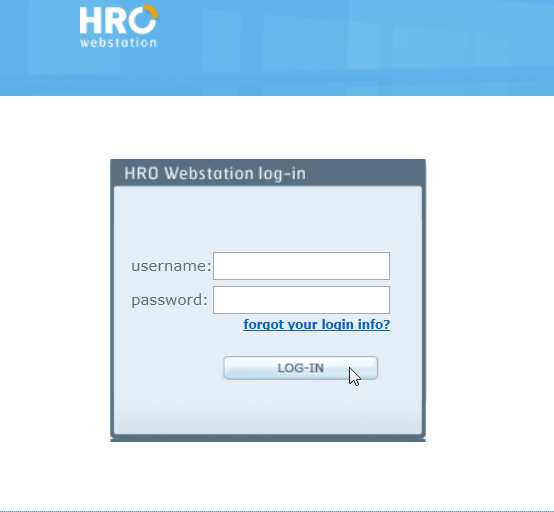
You can use your old username and password to enter the portal. If you don't remember, click on the 'forgot your login info?' button to reset your password.
Click on the 'Checks' tab to see your pay stub or check stub information up through and including December 24, 2017. From December 25, 2017 forward, you can find this information on our current system, Honeycomb.

0 Comments