
Viewing Pay Stubs, Check Summary History, Timesheets and Expenses in Honeycomb
This information is accessible from the Reports module.
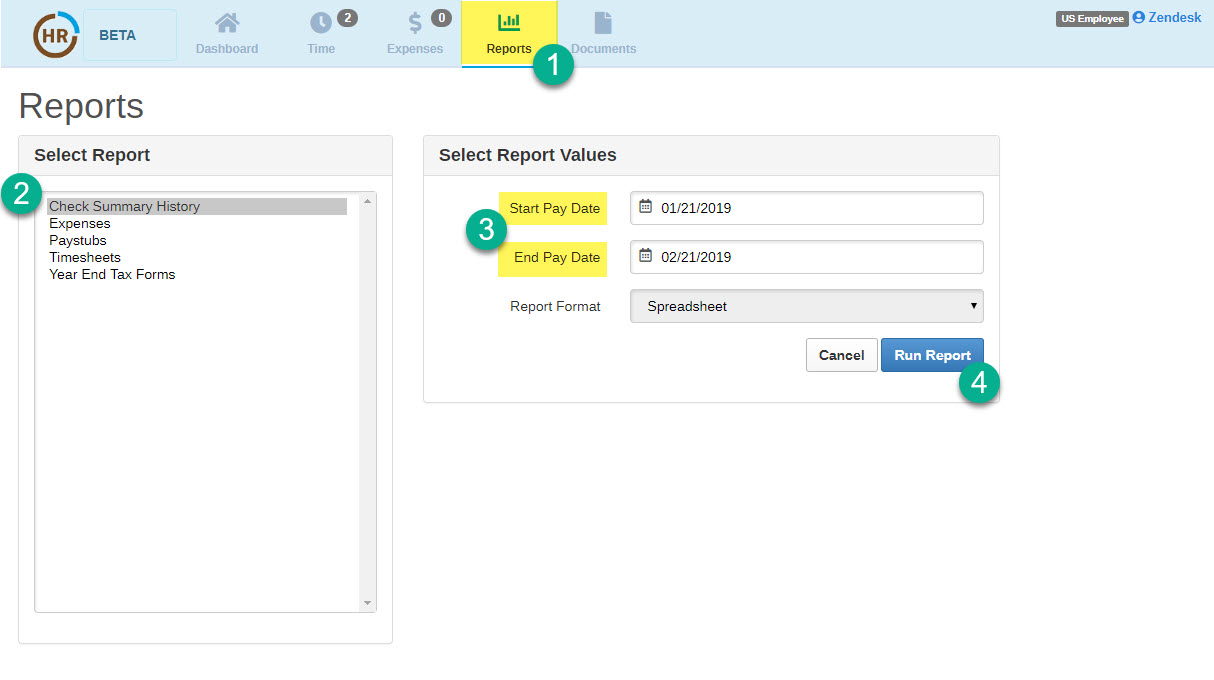
- Click on Reports
- Select the report you would like to run from the “Select Report” drop down menu.
- Enter report values when applicable
- Click on "Run Report." You will then have the option to export to a .csv file.
0 Comments