
Enter your normal hours for the day worked and click on the “save” button.
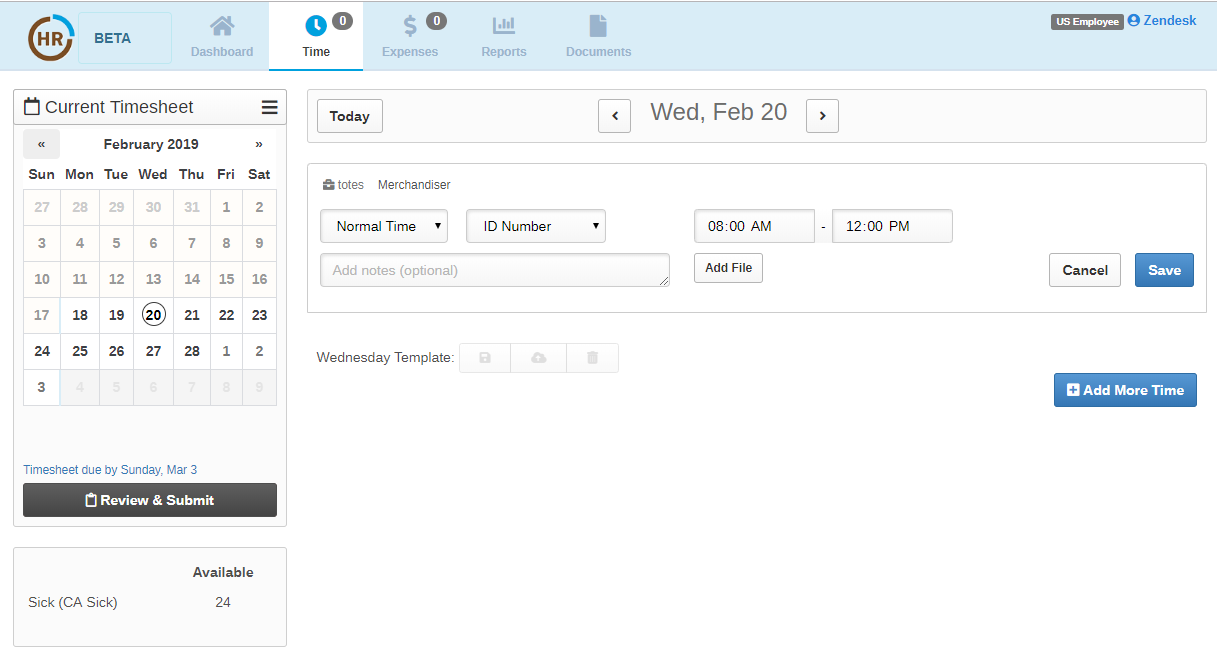
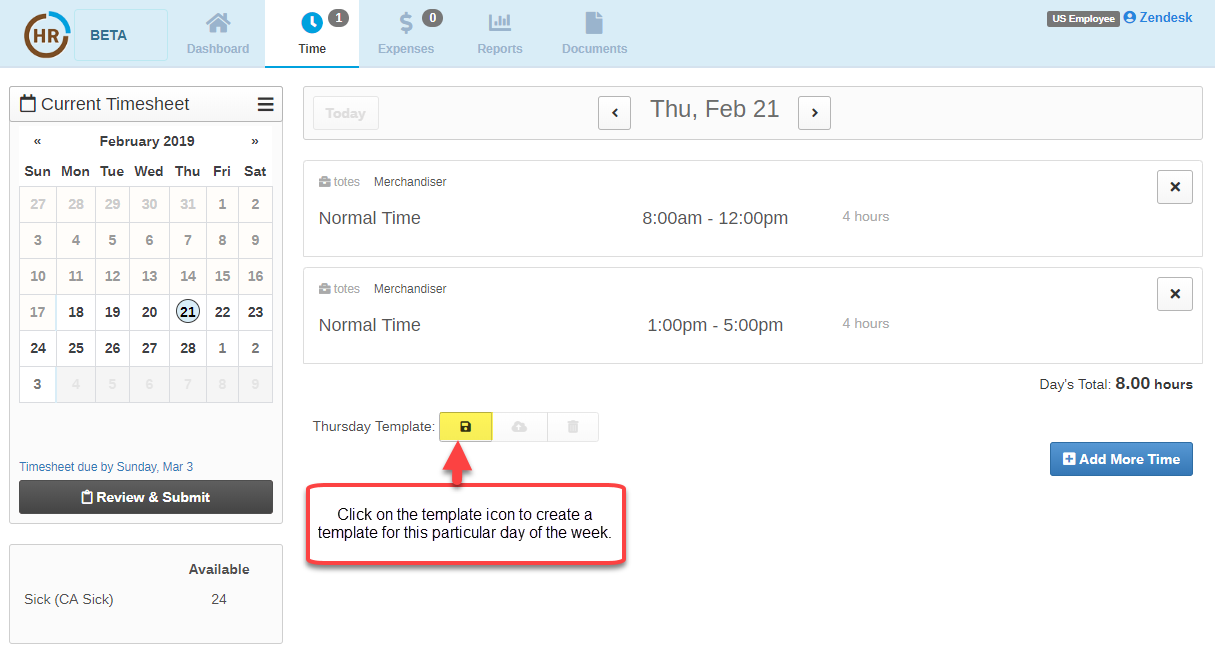
Next, click on the  icon (located under your time entry) to create a template for a particular day. You will then receive a template confirmation.
Repeat the above steps in order to create a template for each day worked.
For future time entries, click on the load template icon  . This will automatically populate your saved time entry.
Repeat this step to enter additional time using a template.
Review and submit your timesheet at the end of the biweekly pay period for approval.
0 Comments