
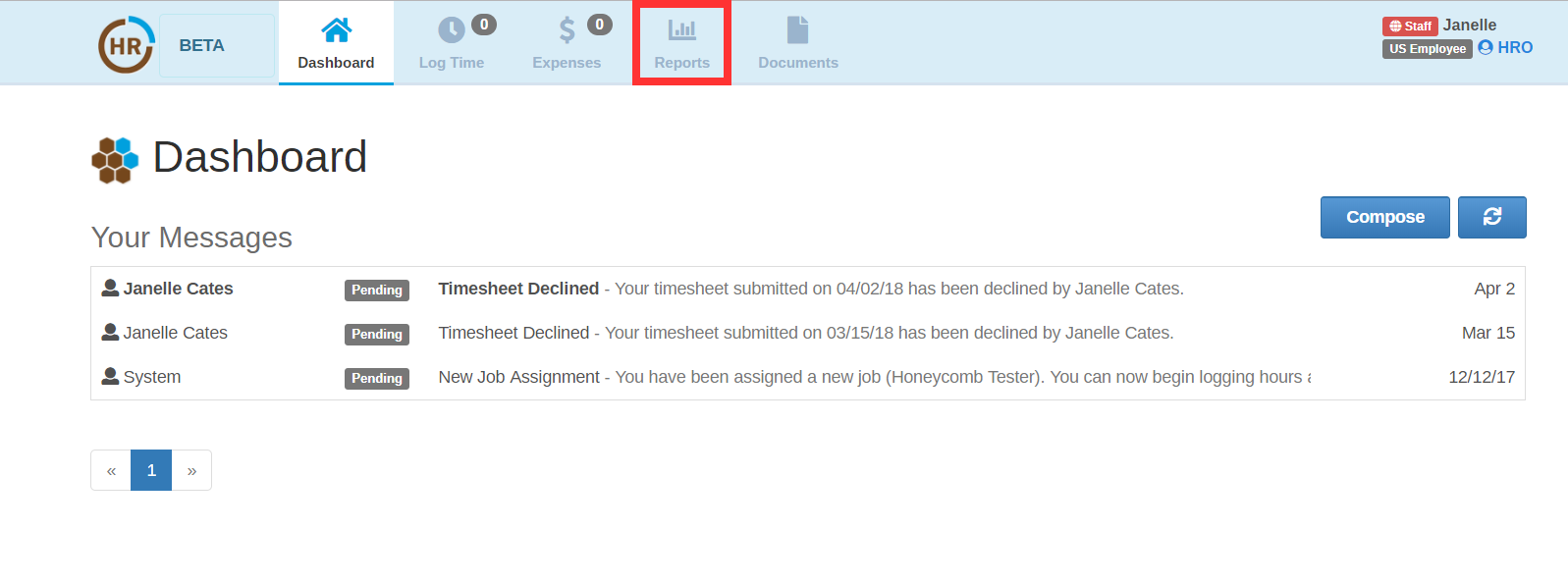
In order to view your pay stubs, you must first go to your Reports module.
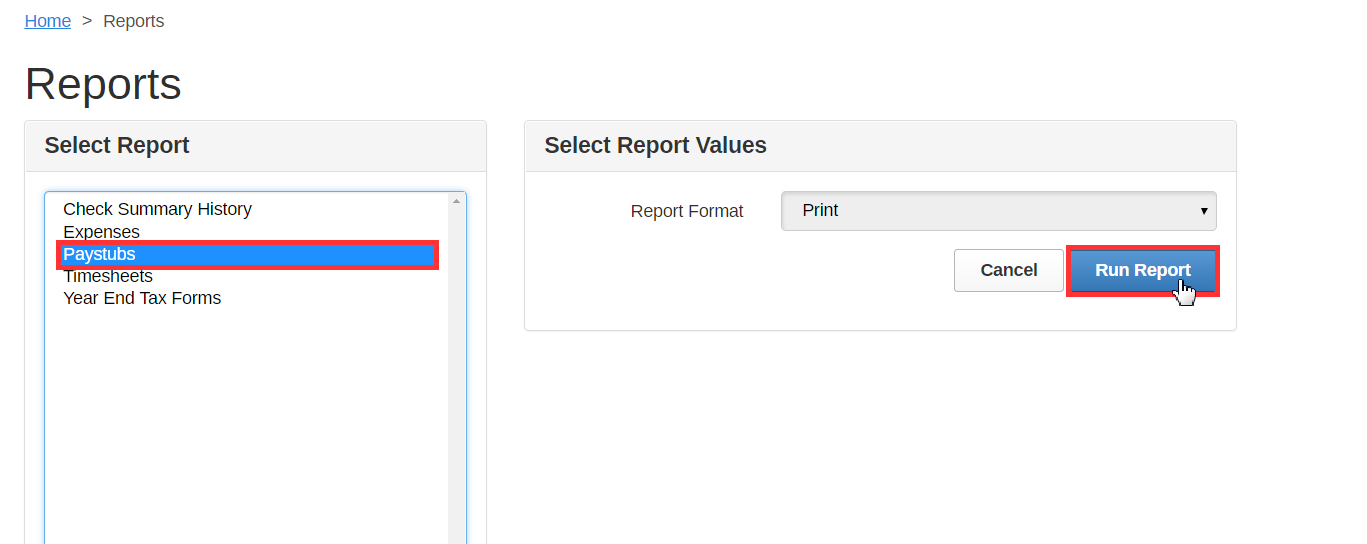
Next, select the Paystubs report from the list and Run Report.
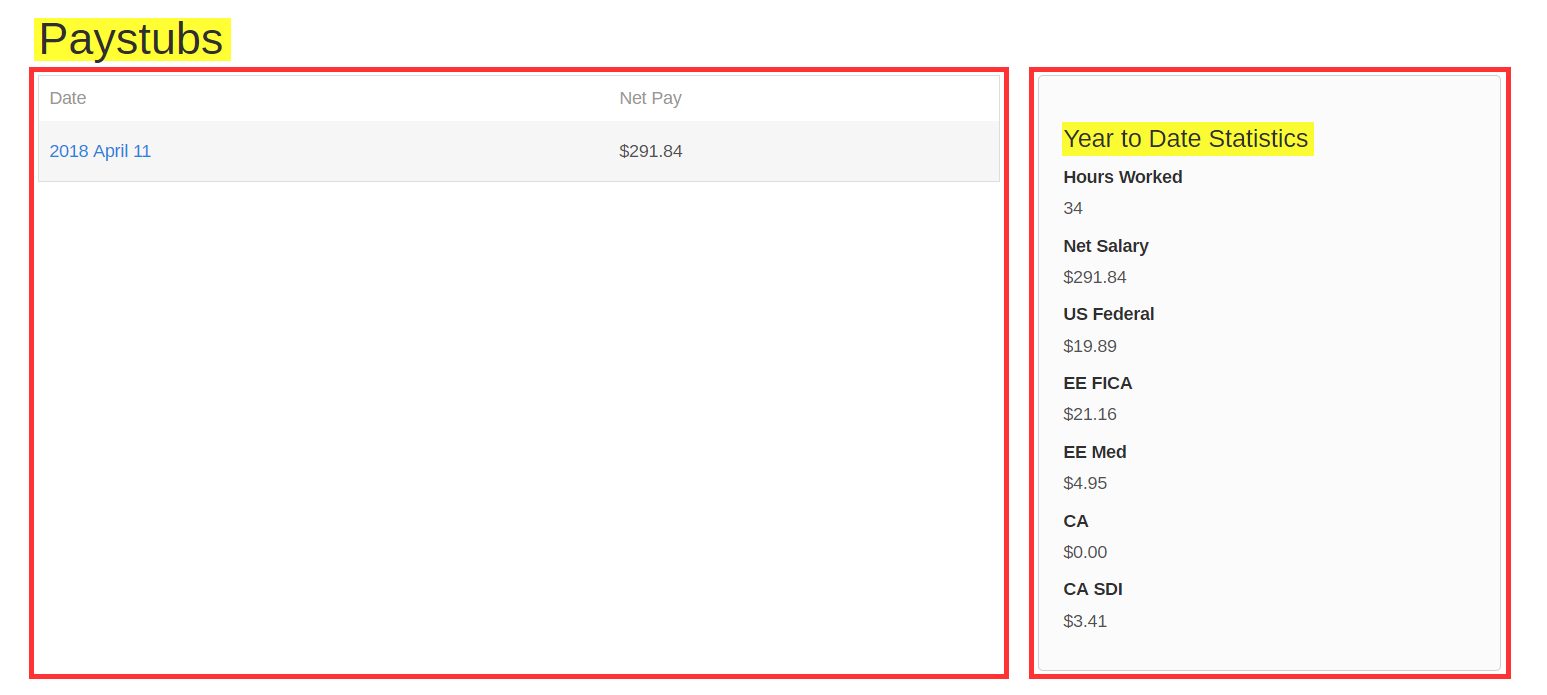
This will take you to all of your pay stubs thus far in Honeycomb, as well as a "quick glance" of your year to date totals.
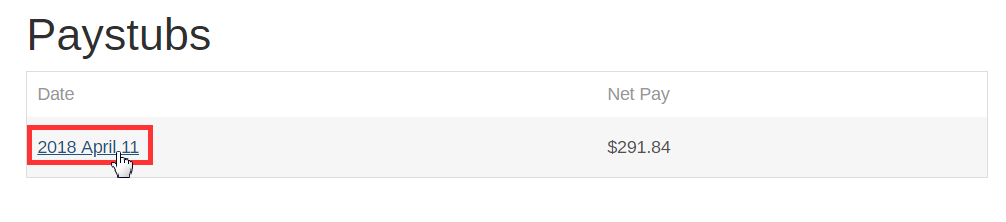
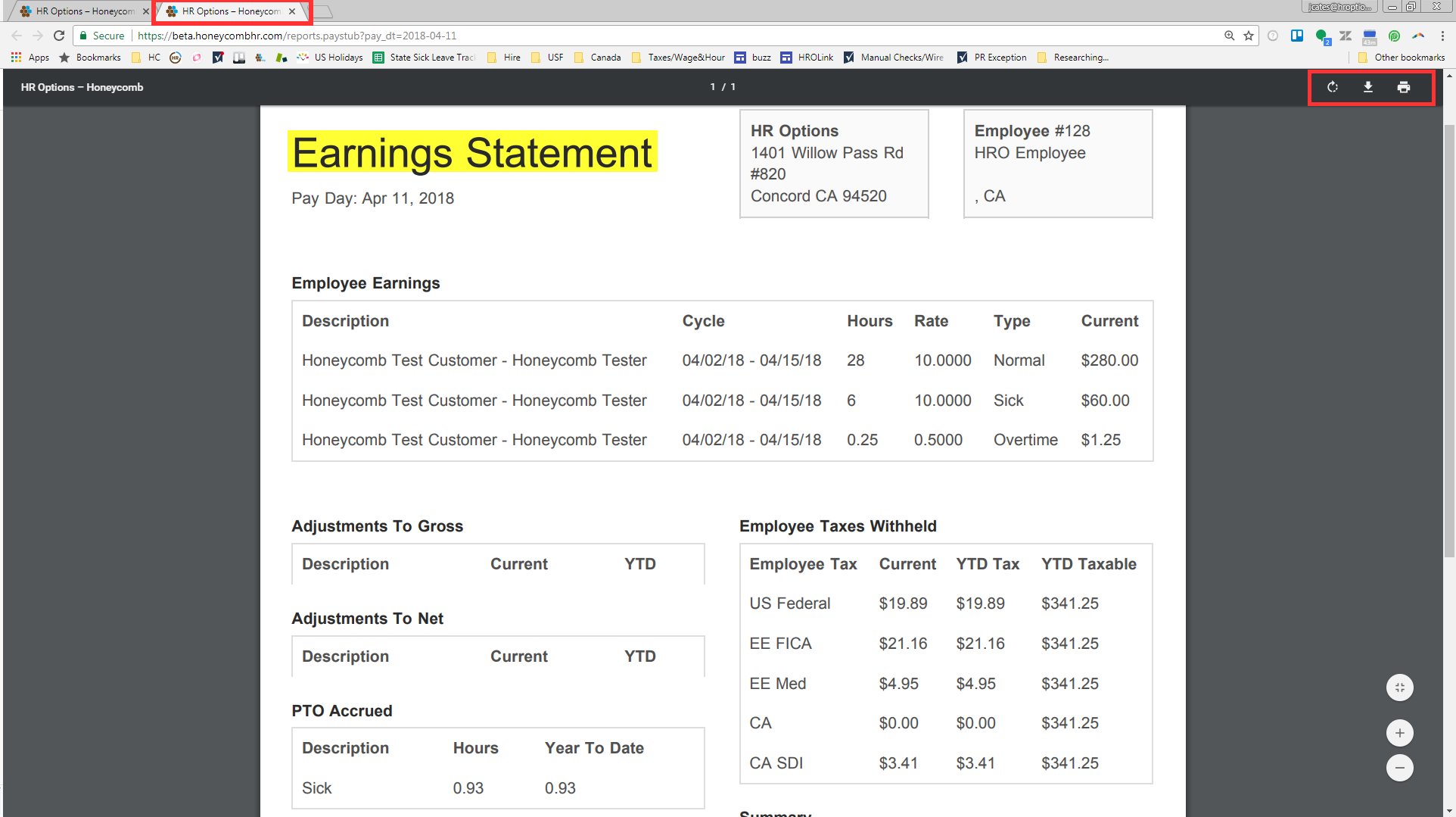
Finally, select the pay stub you would like to view. This will create a new window with a pdf version of your pay stub. Here, you will be able to print and download a copy whenever needed.
0 Comments