
Honeycomb gives users four chances to correctly enter their login information (email and password).
If after four attempts, the proper username and password are not provided, Honeycomb will temporarily lock the account, preventing anyone from trying to sign in again.
Instead of seeing the usual login page, locked out users will see the following:
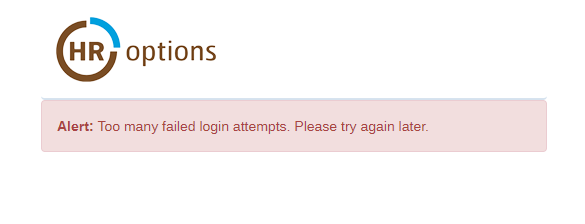
Locked out users will have to wait five minutes before trying to log in again.
After the five minutes have lapsed, they will be redirected to the Honeycomb login page, and will have another four chances to correctly enter their email and password.
This measure is intended to preserve account security and protect our users' personal information.
If you have trouble remembering your password or are otherwise unable to access your account, please click the "Forgot your Password?" link, pictured below.
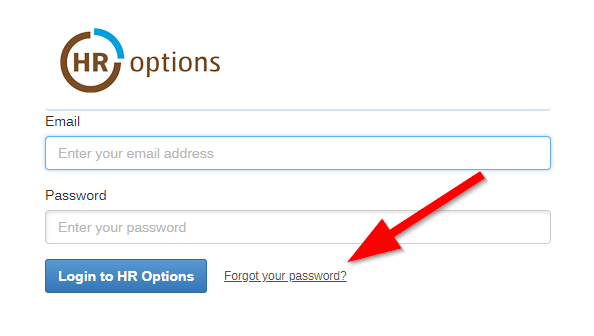
Honeycomb will ask you to enter the email address associated with your account. The system will use that email to send you a reset link.
0 Comments