
Request Module
Once logged in, you will be sent to the Dashboard. The menu bar at the top shows available modules based on account permissions. If you do not see the 'Requests' module, please contact HR Options at service@hroptions.com or call us at 800-777-8944, option 3.
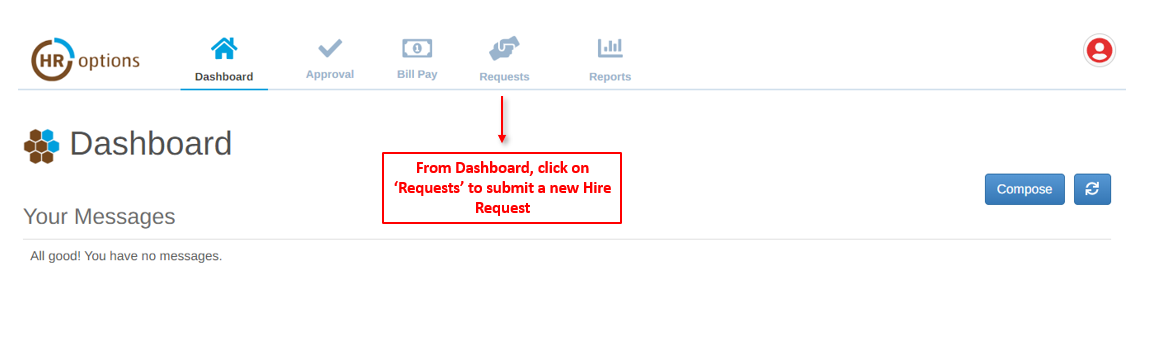
Submitting a Hire Request
Once in the ‘Requests’ module, there will be an option to submit a Hire Request or review a history of all requests.
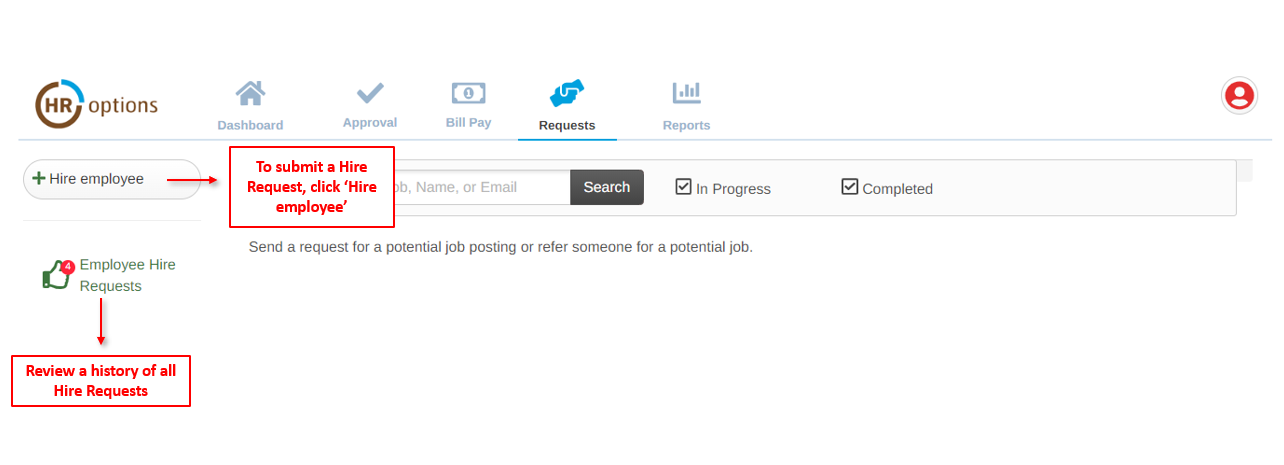
Click on ‘+ Hire employee’ to open the request form.
Enter the employee and job information for the candidate that has been selected.
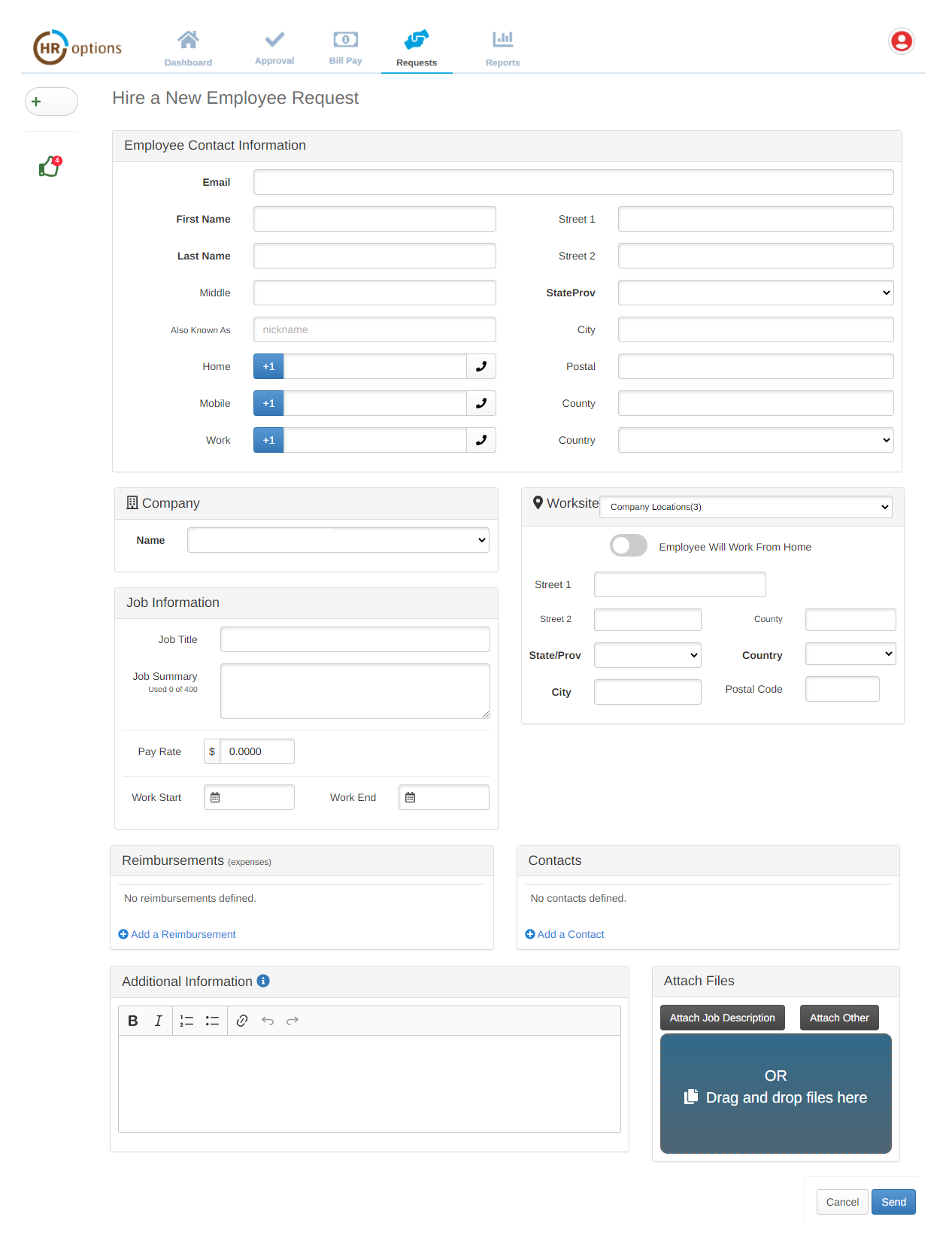
When complete, click ‘Send’
An HR Options HR Partner will reach out to you to confirm receipt and clarify information pertaining to the employee or job.
If you have any questions, email the Service Team at service@hroptions.com or call us at 800-777-8944, option 3.
0 Comments