
If you are having trouble logging time in on your iPhone in the Safari App. Please open a Private browser, see below how to do that.
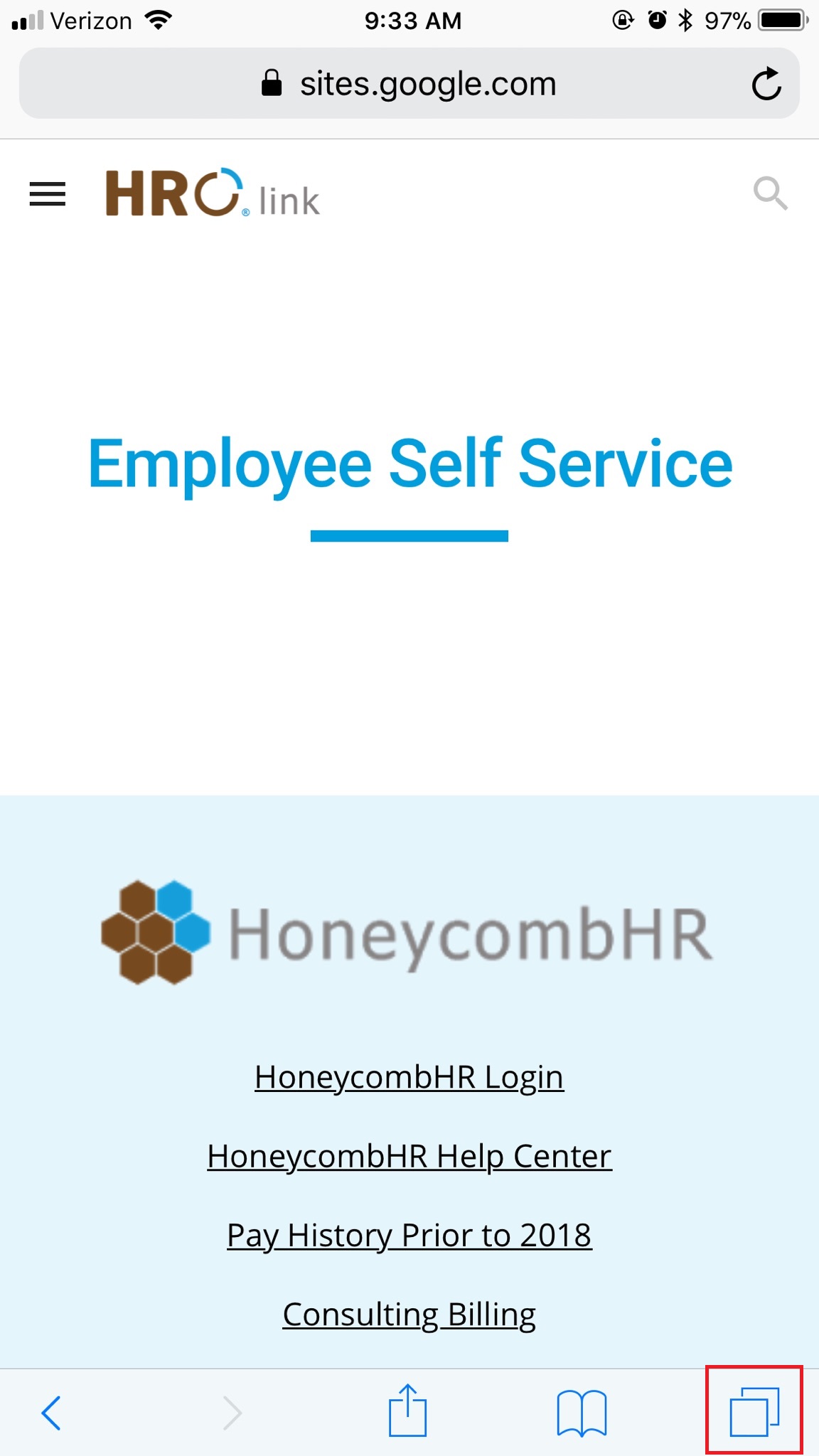
- Open the Safari App, Click the Add page button in the lower right hand corner of the screen.
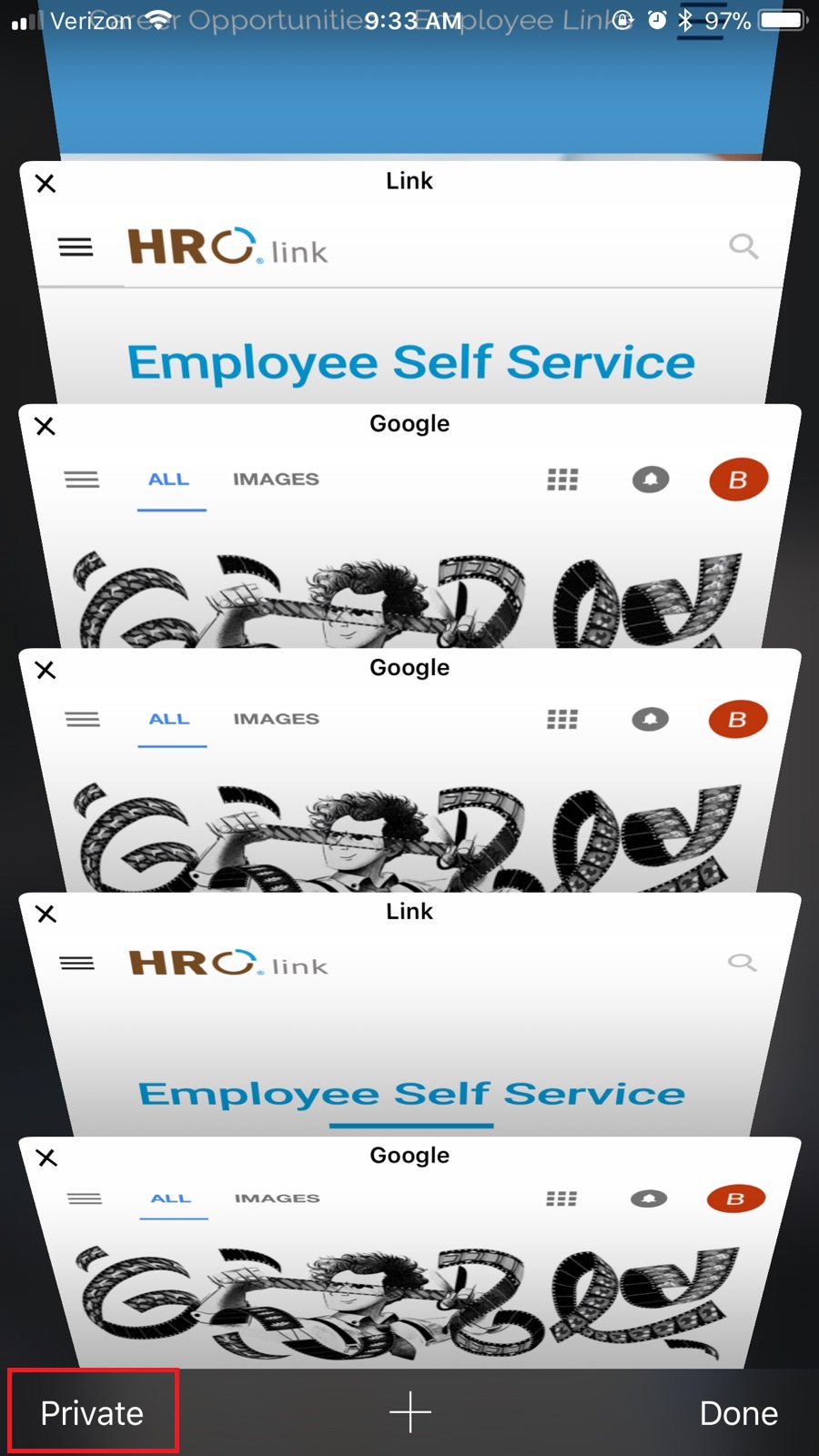
- Next, press on “private” which can be found in the bottom left corner of the screen.
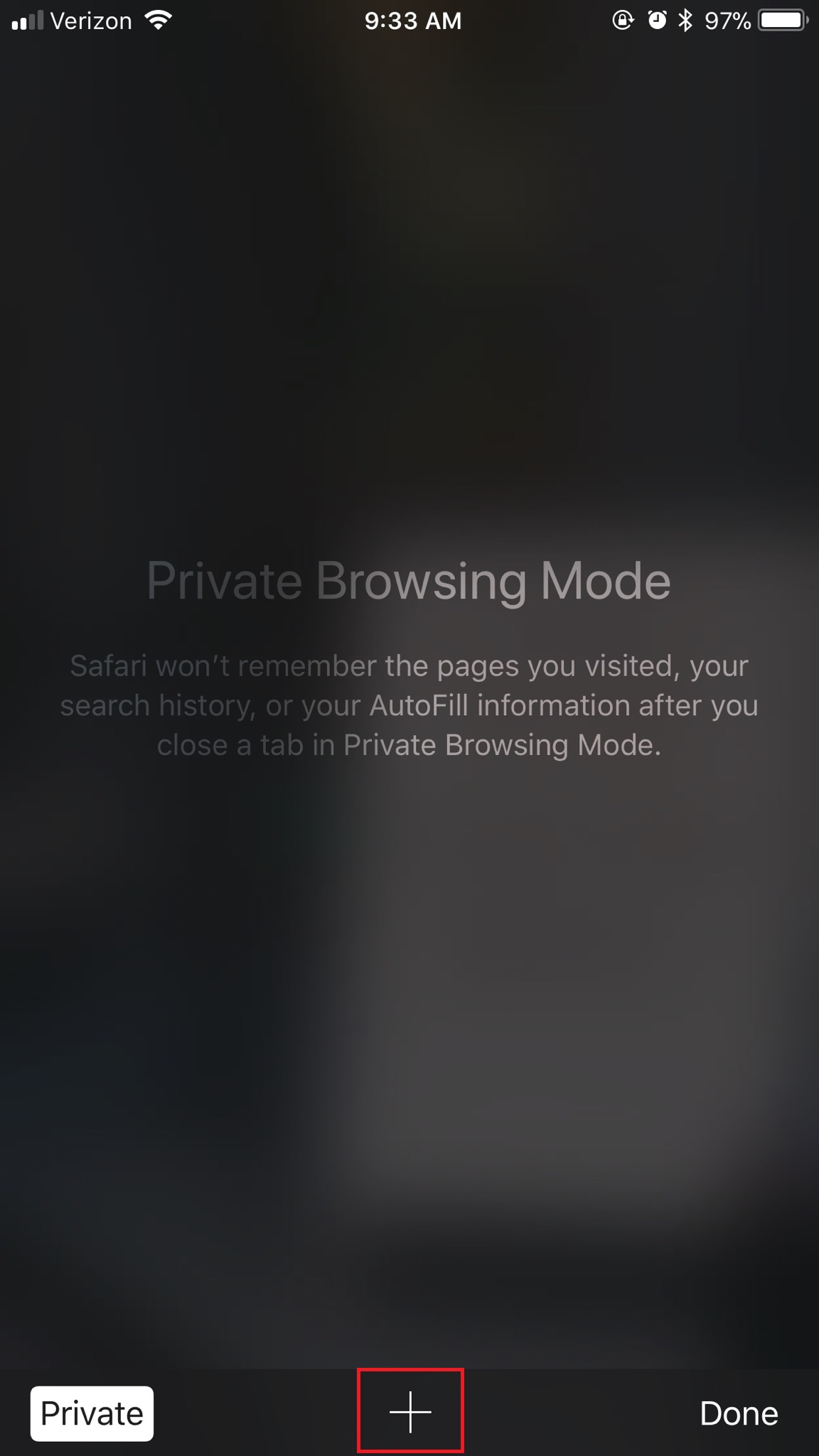
- Once in private mode, click the + button which is in the bottom center of the page.
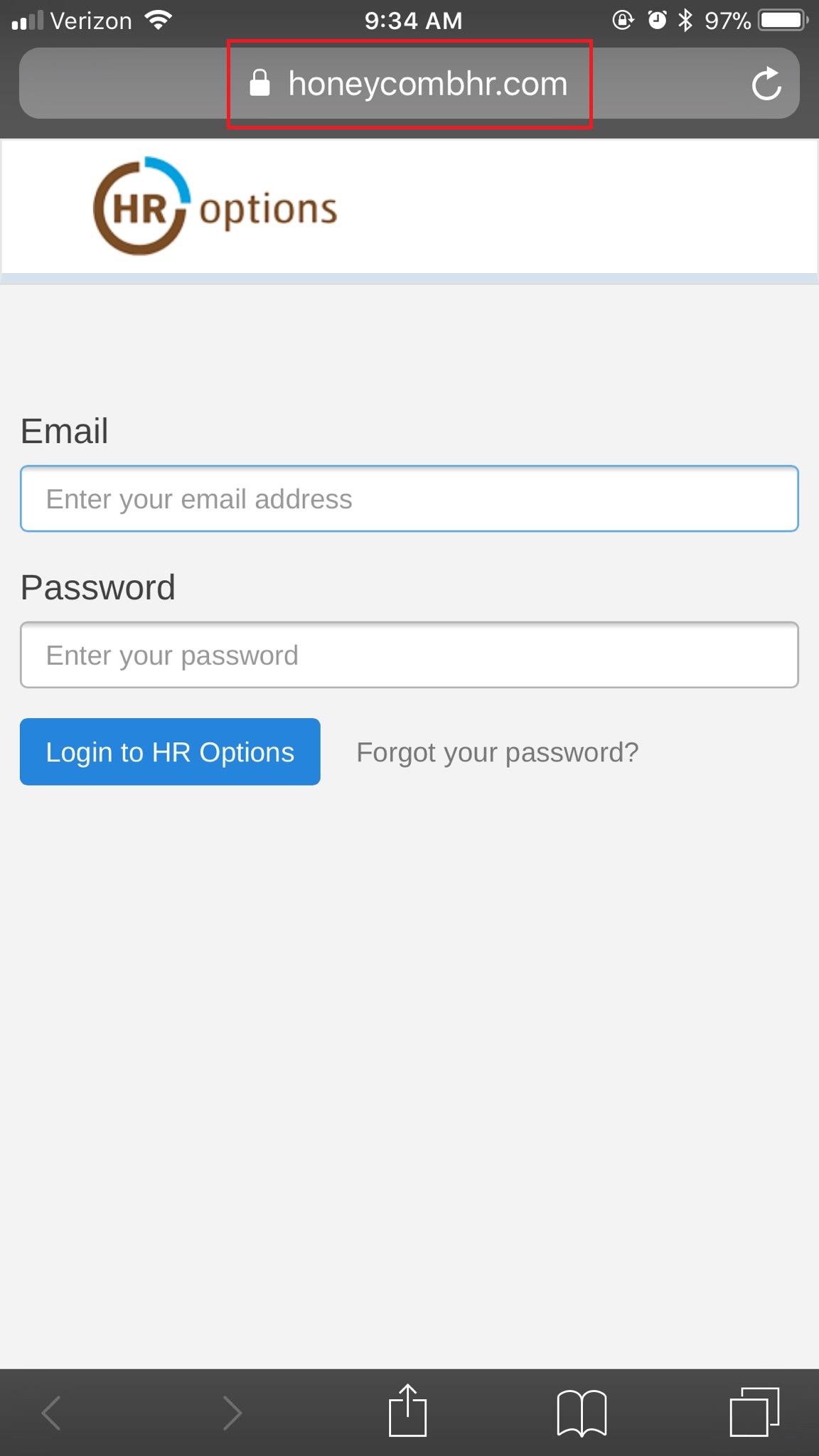
- Next, enter “HoneycombHR.com” in the search bar. From there you should be able to enter your Email and Password. Login and record your hours.
If you are having trouble logging your time please see the following article.
0 Comments